
You're in control
You pick the song, the album, the order. Jam-Pod doesn't push recommendations — it plays what you choose.
No feed. No autoplay. No algorithm deciding what you hear next.
You pick the song, the album, the order. Jam-Pod doesn't push recommendations — it plays what you choose.
Your library lives on your device. Import local files, play hi-res FLAC and WAV, and listen fully offline.
Real haptic feedback on the wheel — scroll, scrub, and select with the same physical response you remember.
Subscribe to any show via RSS. No platform lock-in, no inserted ads — just the feed you chose.
Pick the iPod color you grew up with.
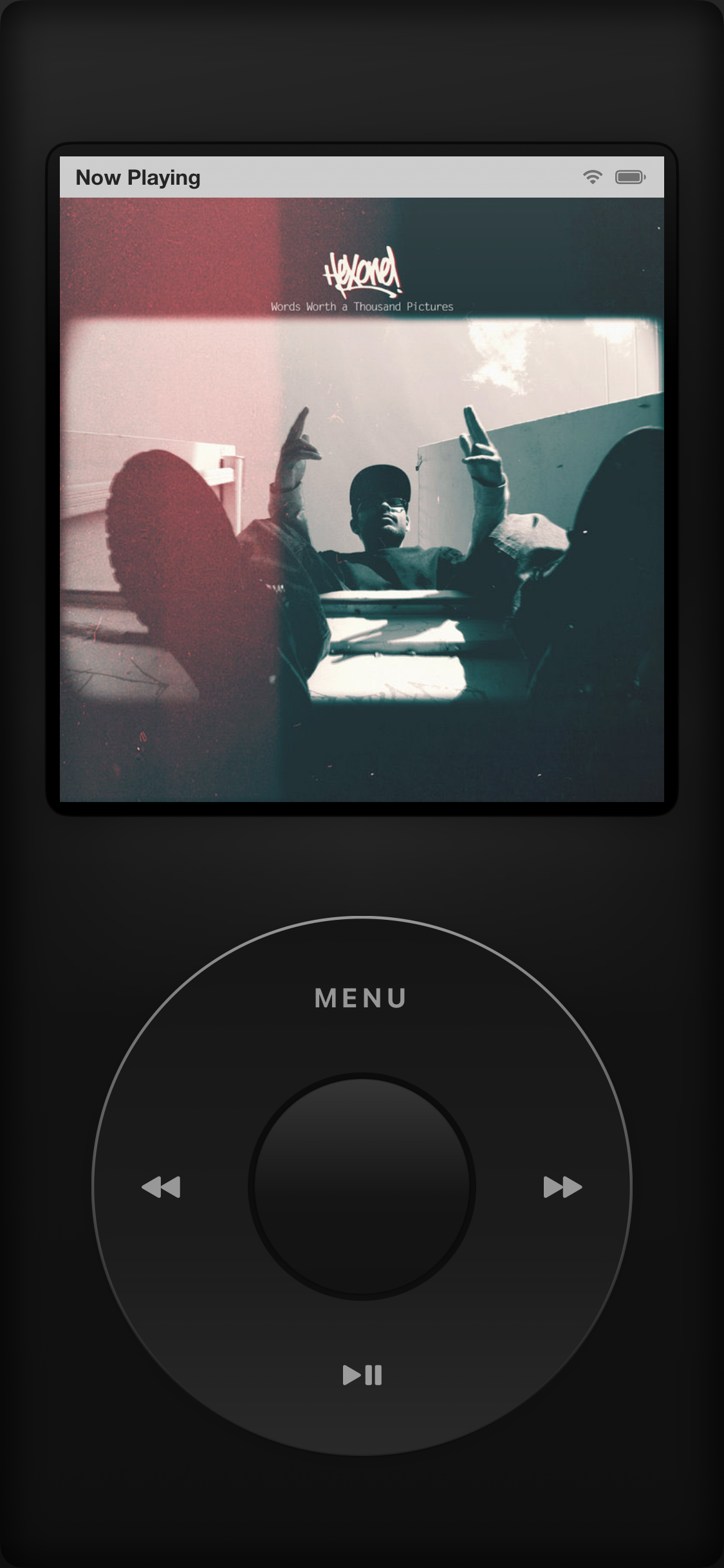
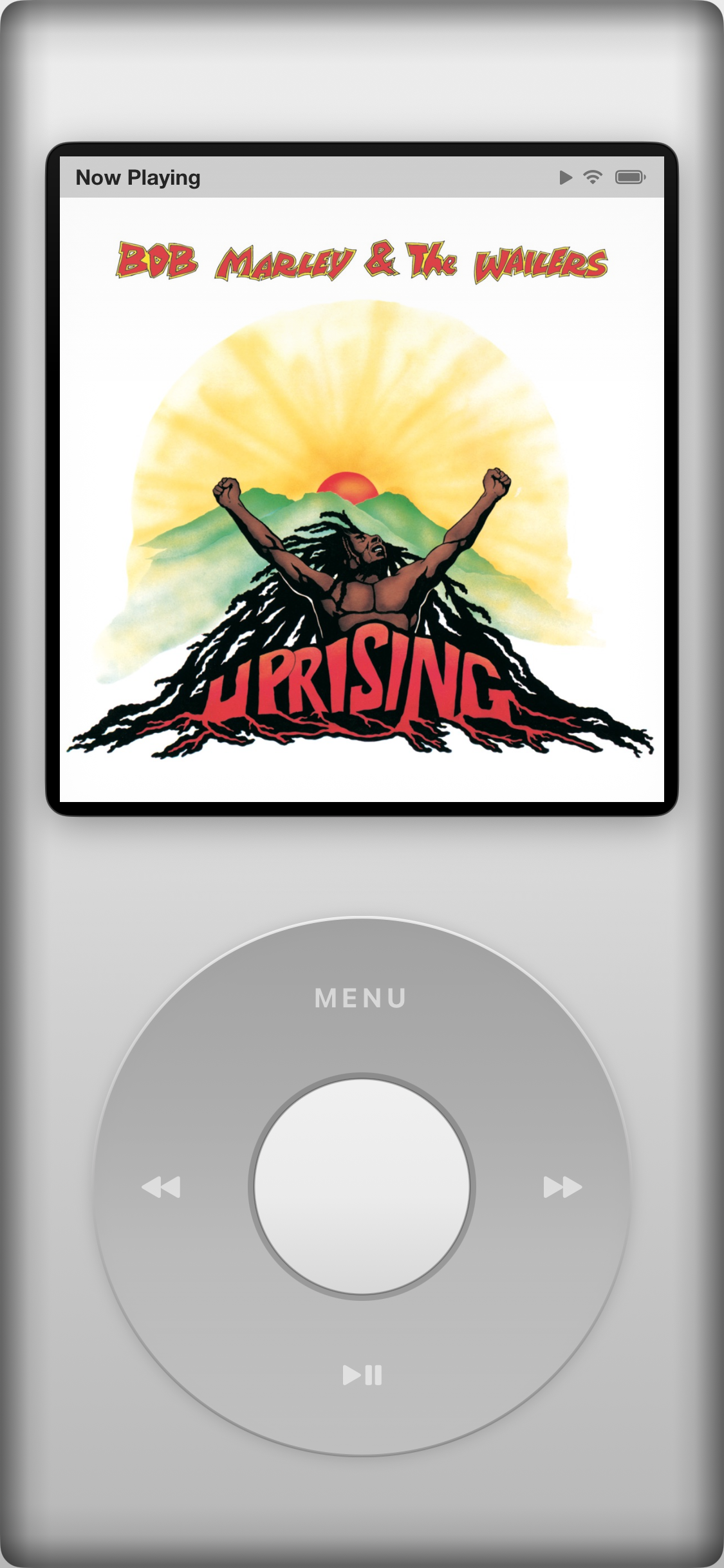
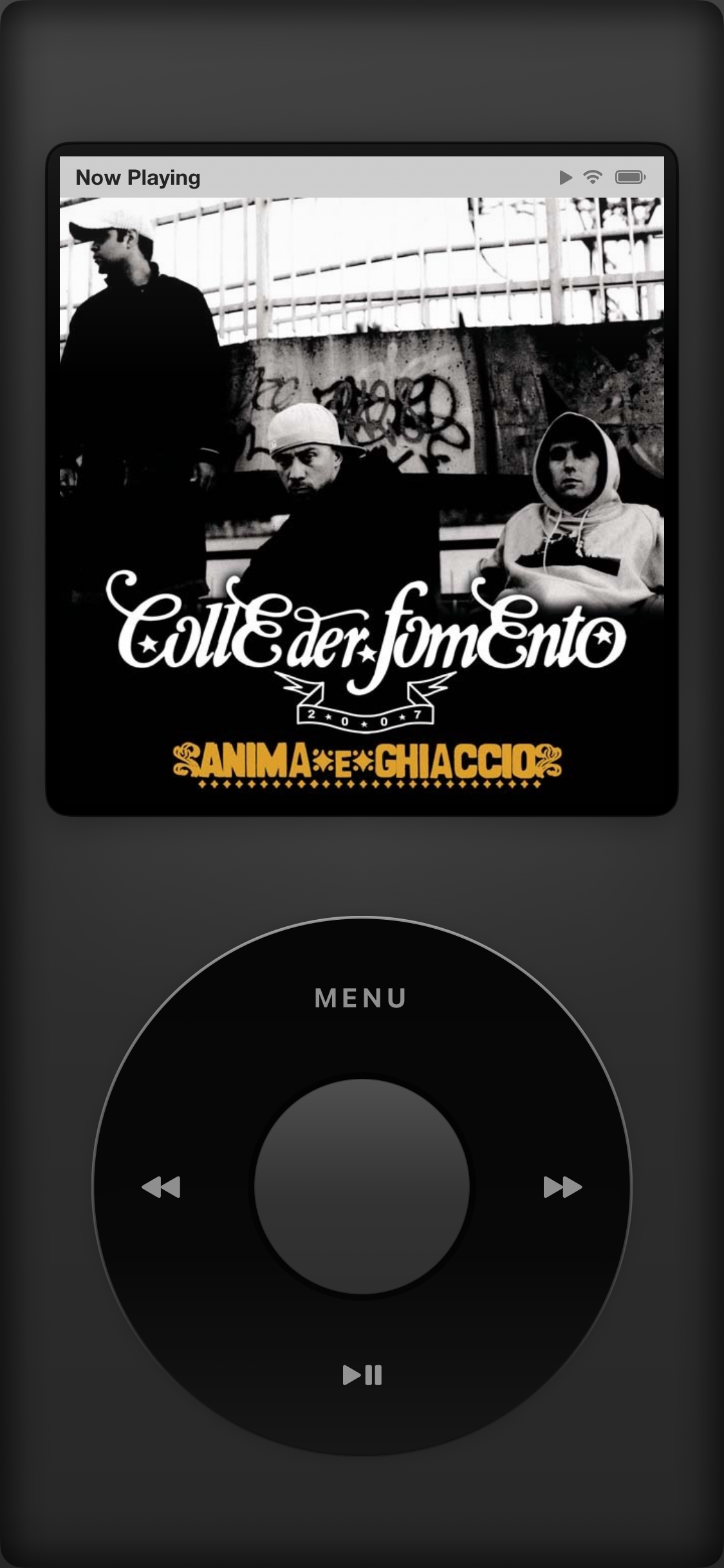
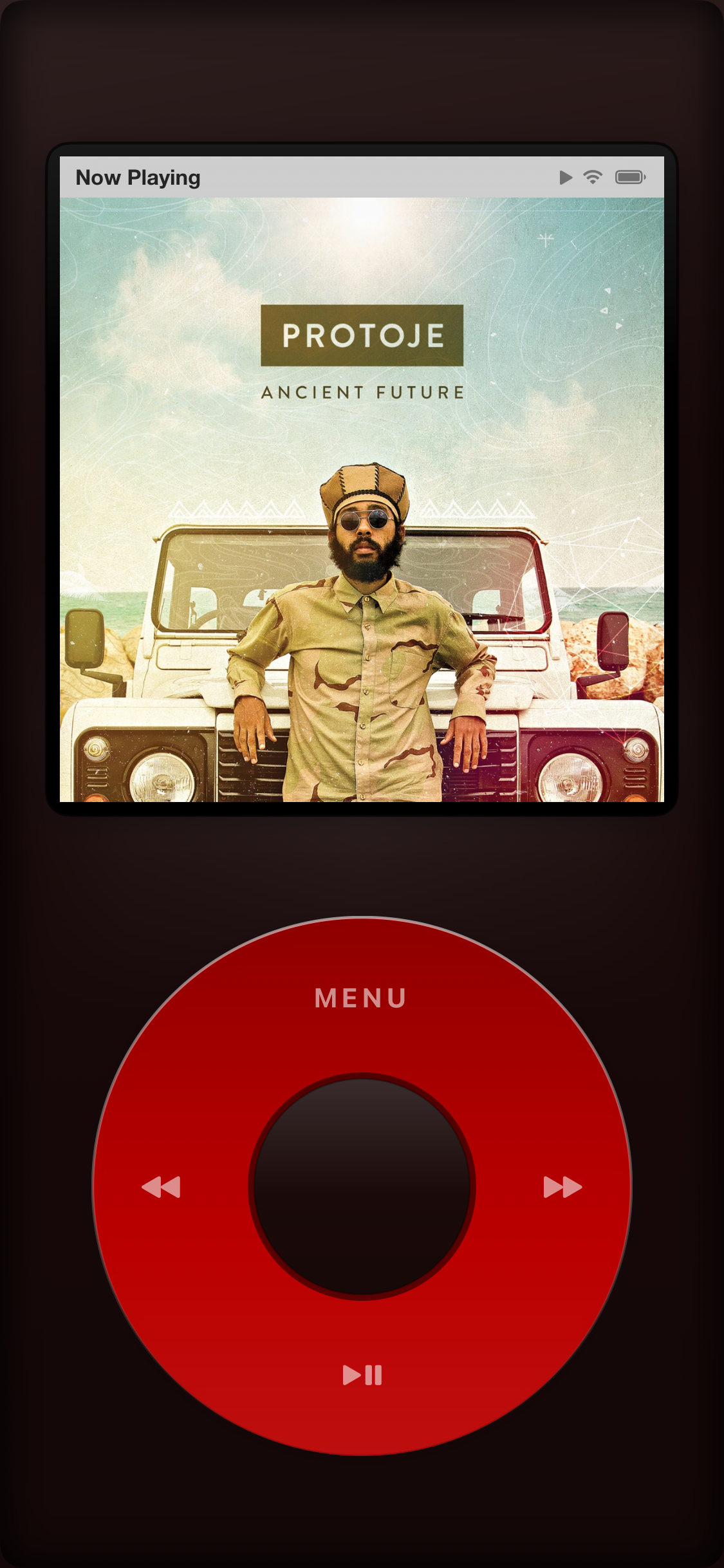
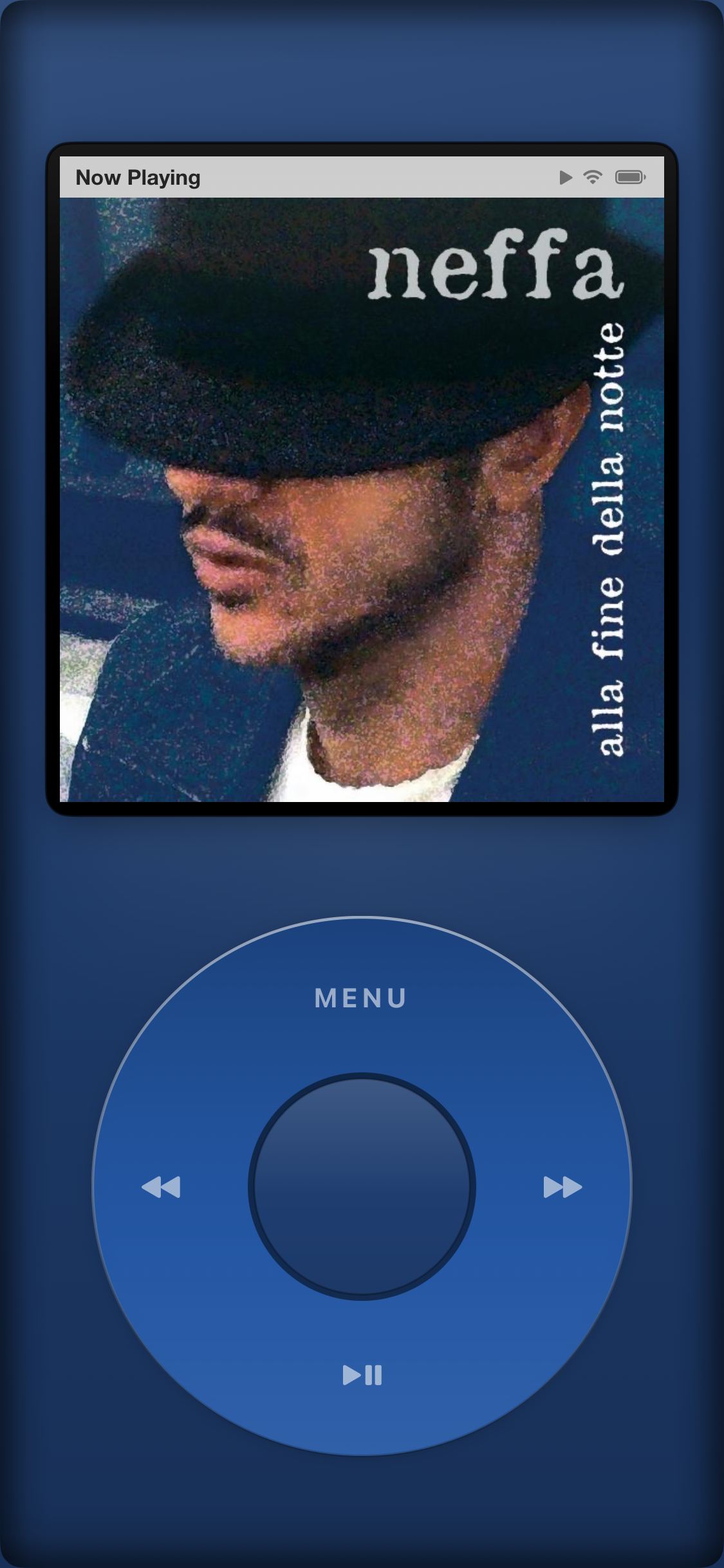
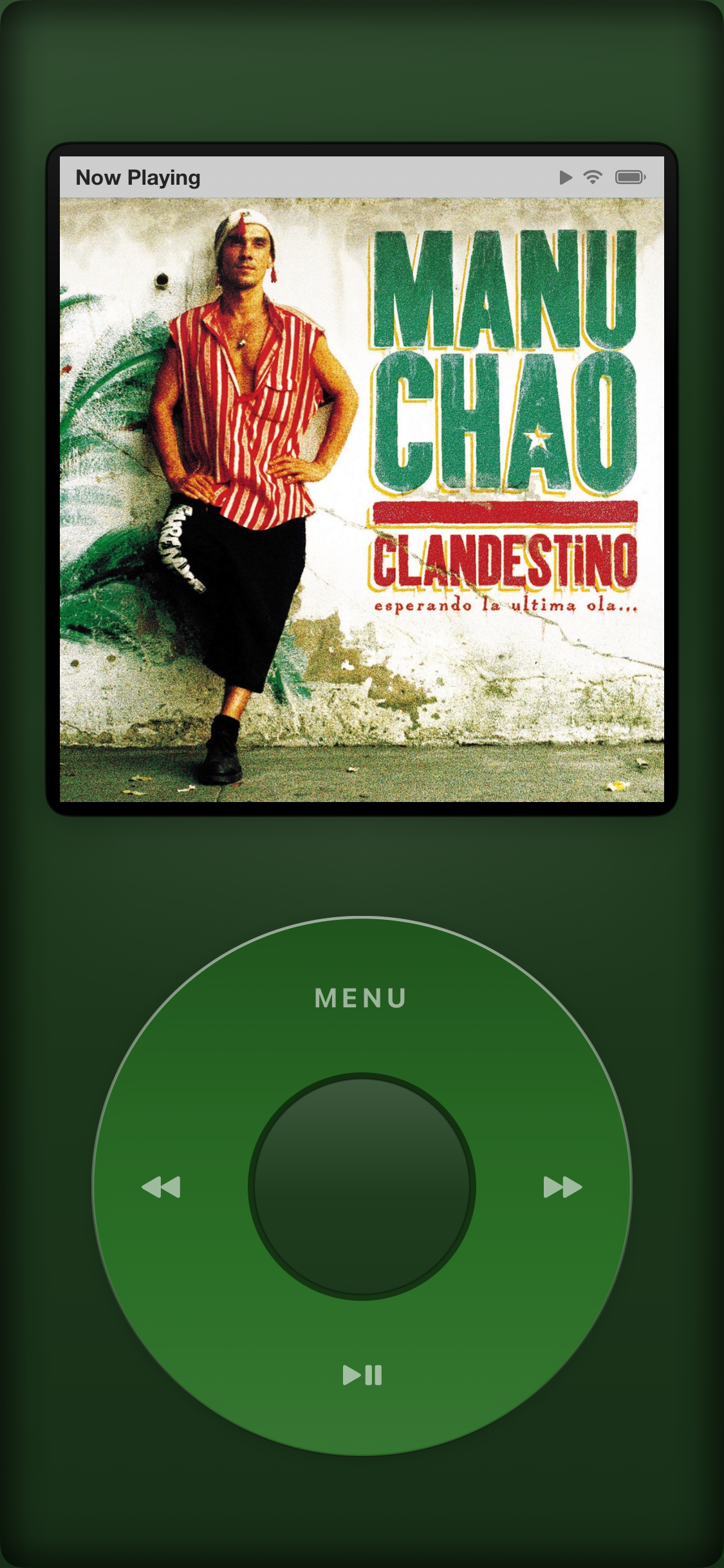
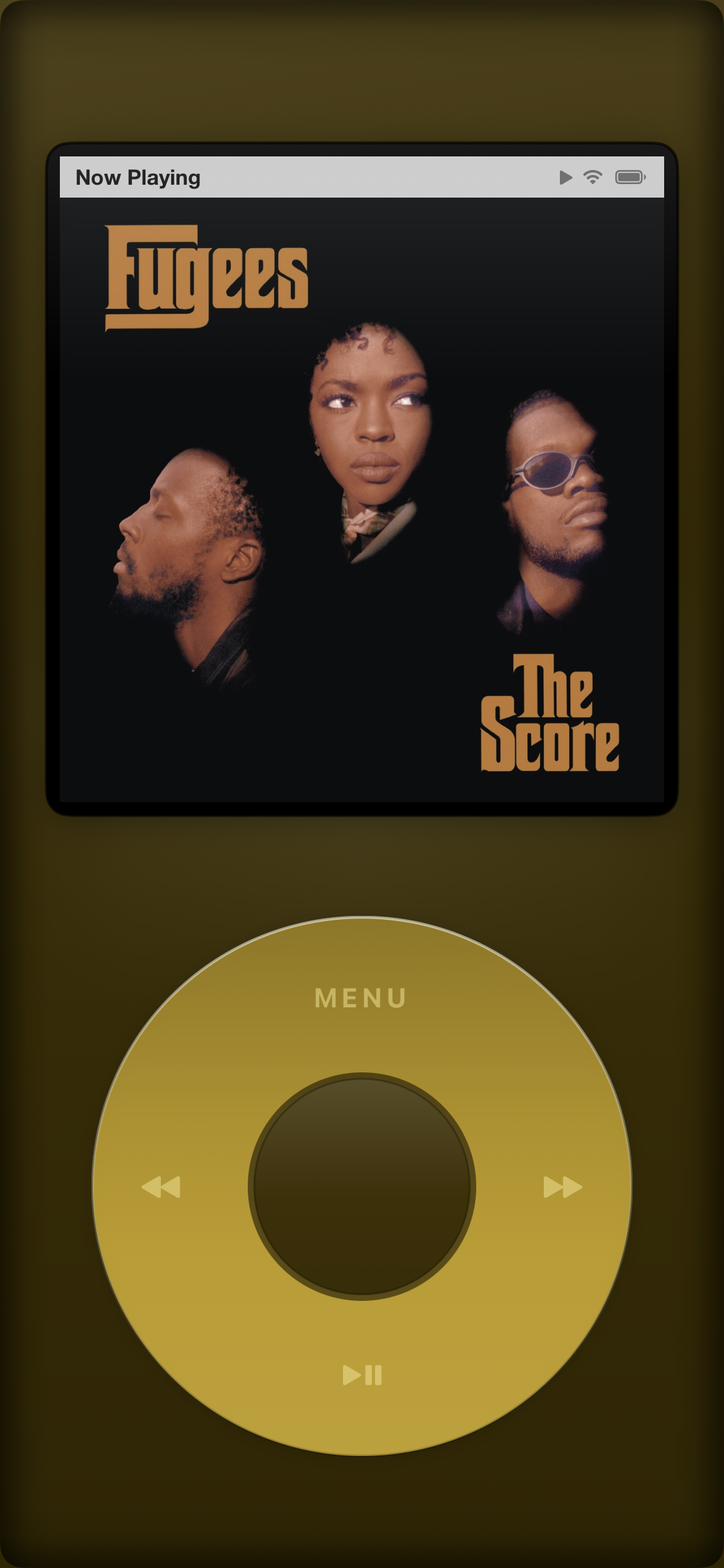
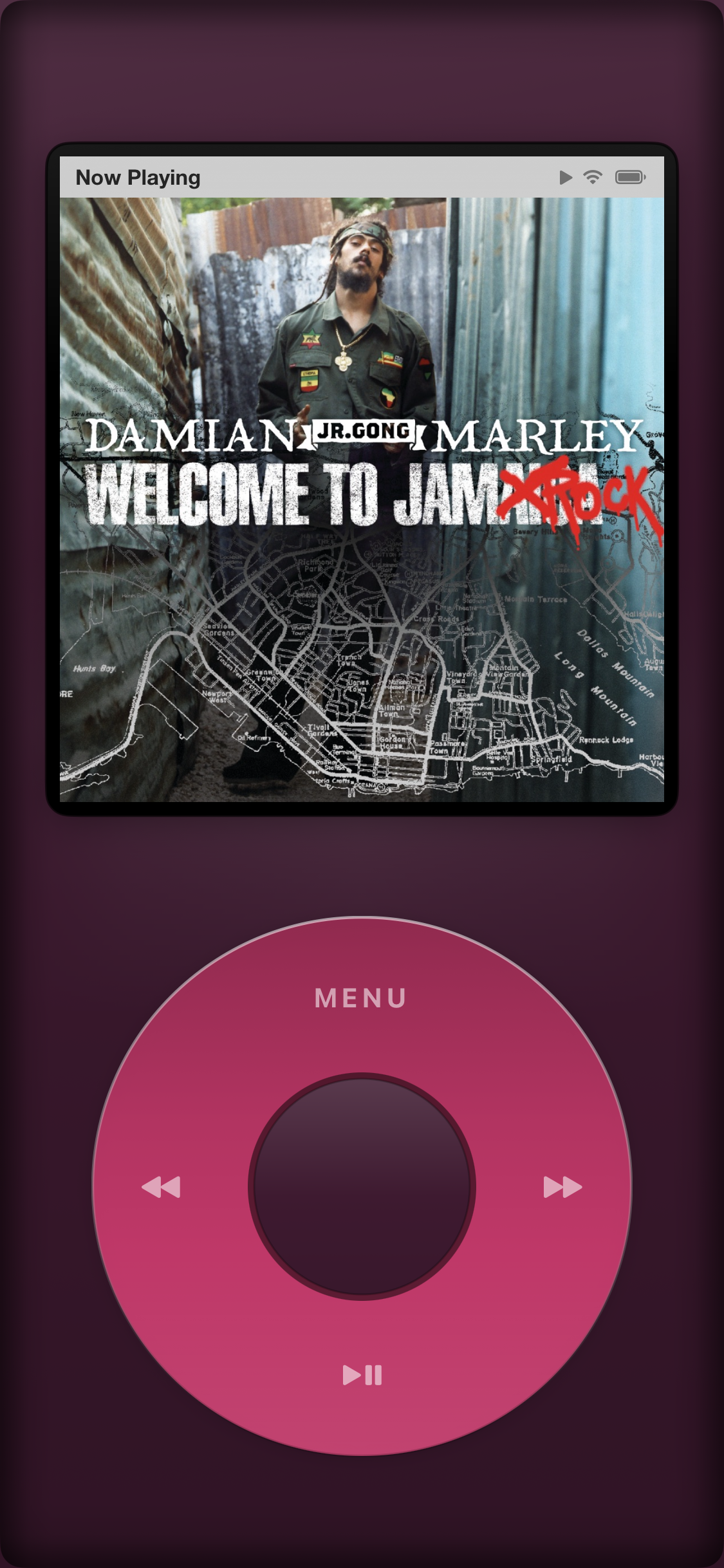
Plus more in Settings: wheel color, dark/light mode, and scroll speed — tune it your way.
Your local files aren't an afterthought — they're the main event.
Import the music you already own and keep it for good — full quality, fully offline, always exactly as you saved it.
Your library never leaves your device. No login, no subscription, no syncing required to play what you own.
Paste any feed URL and start listening — no platform account, no lock-in.
A real native app, not a wrapped webpage — smooth scrolling, instant response.
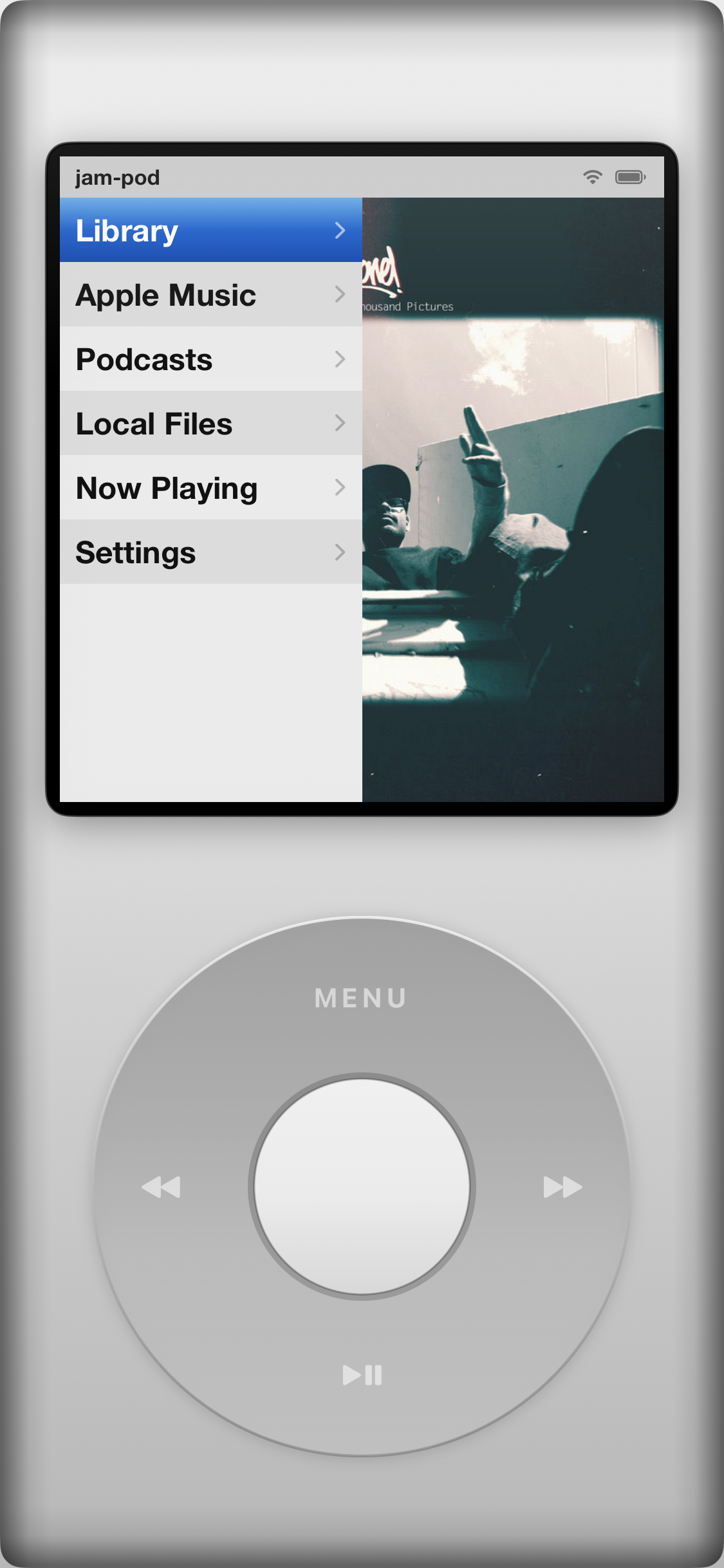
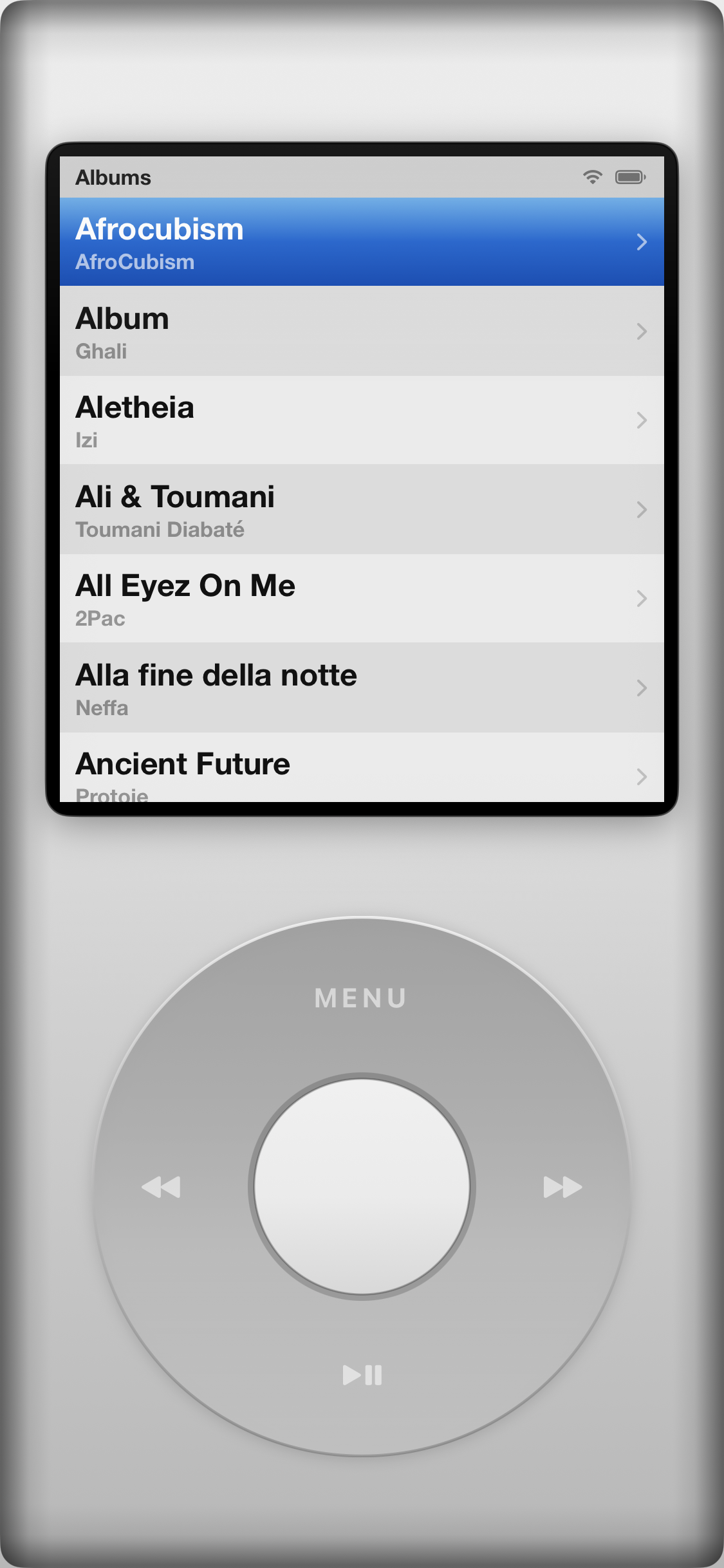
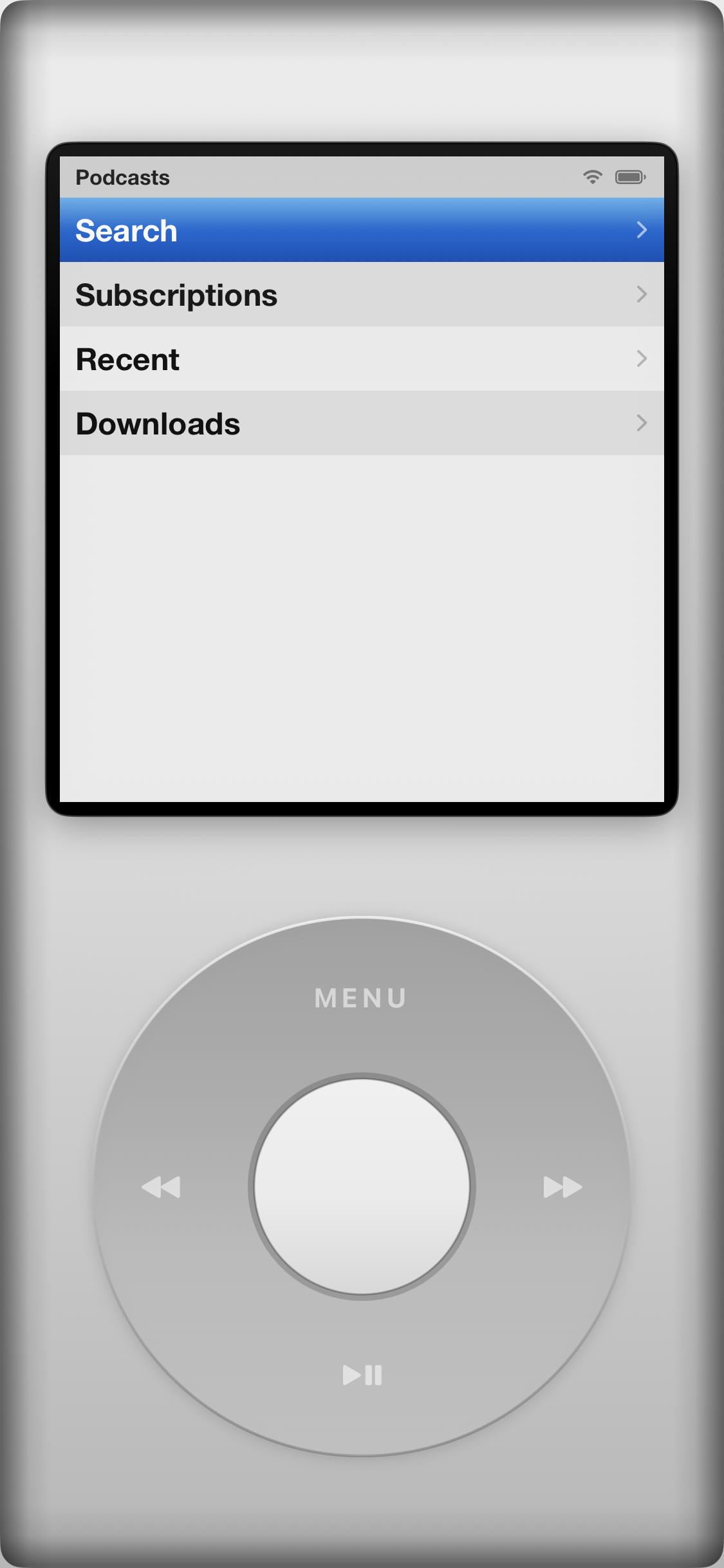
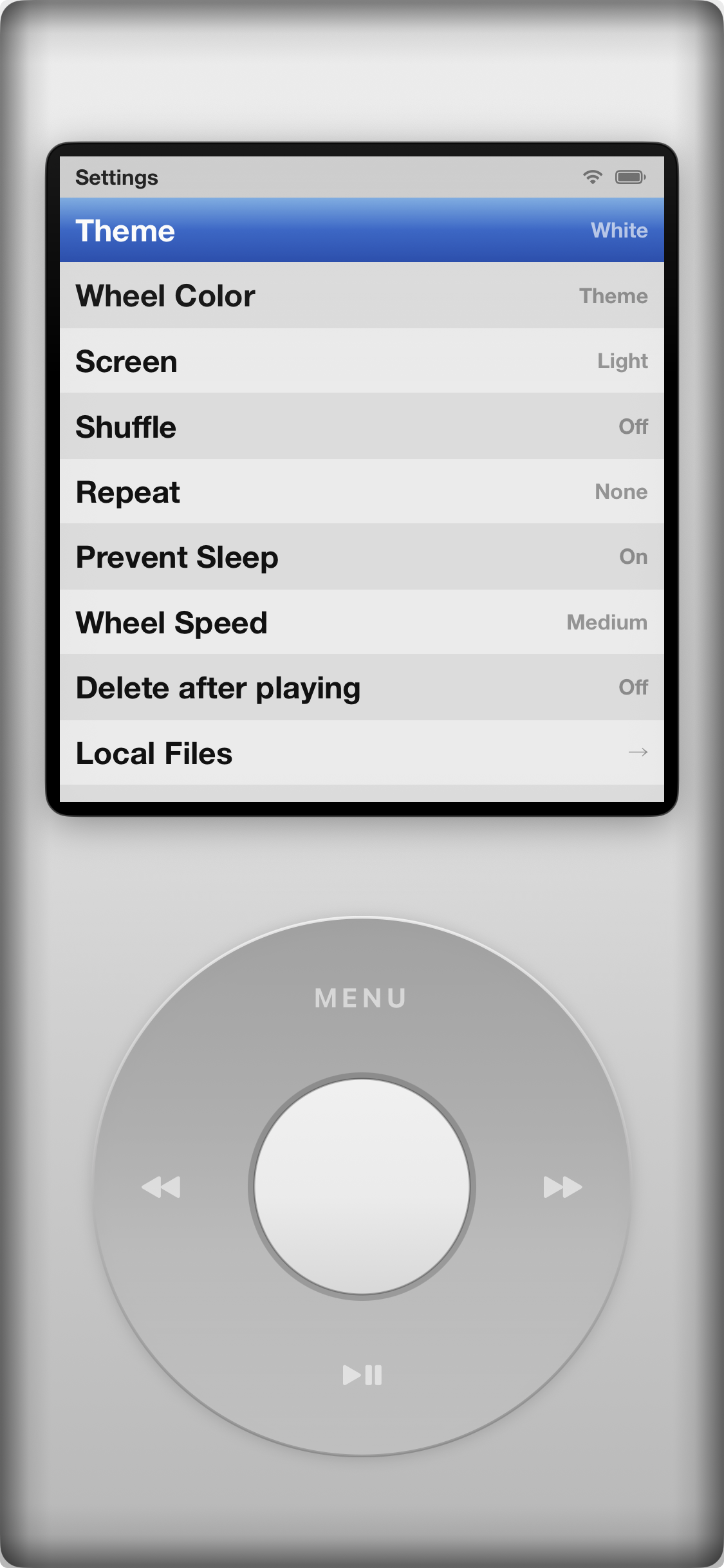
Every menu, every scroll, every click — built to feel like coming home. The wheel you grew up with, holding the library, the podcasts, and the sound you actually own.
Questions, bugs, or just want to say hi — we read everything.
Yes. Jam-Pod for Android plays local files and downloaded podcast episodes fully offline — there's no streaming service involved.
FLAC, WAV, AIFF, M4A, and MP3 — up to 24-bit / 192kHz, played natively with no re-encoding.
Yes — Jam-Pod for iPhone now supports the same click wheel as well as a haptic joystick — pick whichever feels right — and also streams Apple Music, but plays your local library the same way underneath.
Yes — Jam-Pod is on Google Play.
Still need help? Reach out at nieuwding@proton.me